 Promptra
Smart teleprompter
80–300 WPM with automatic pacing, or let it follow your voice and scroll at the speed you actually speak. Inline cue markers for the beats you keep forgetting.
iPhone, iPad & Mac · free to download
Promptra is a teleprompter, a camera, and a video editor in one app. Write the script, read it while you record, cut it together, caption it, and send it out — without moving your footage between four different tools. On the Mac it records your screen too, so a walkthrough is one app from first take to finished cut.
iPhone & iPad on the App Store today · Mac version coming soon
No account required · Works offline · Your footage never leaves your device
How it works
The whole loop lives in one place, so nothing gets exported, re-imported, or lost between tools.
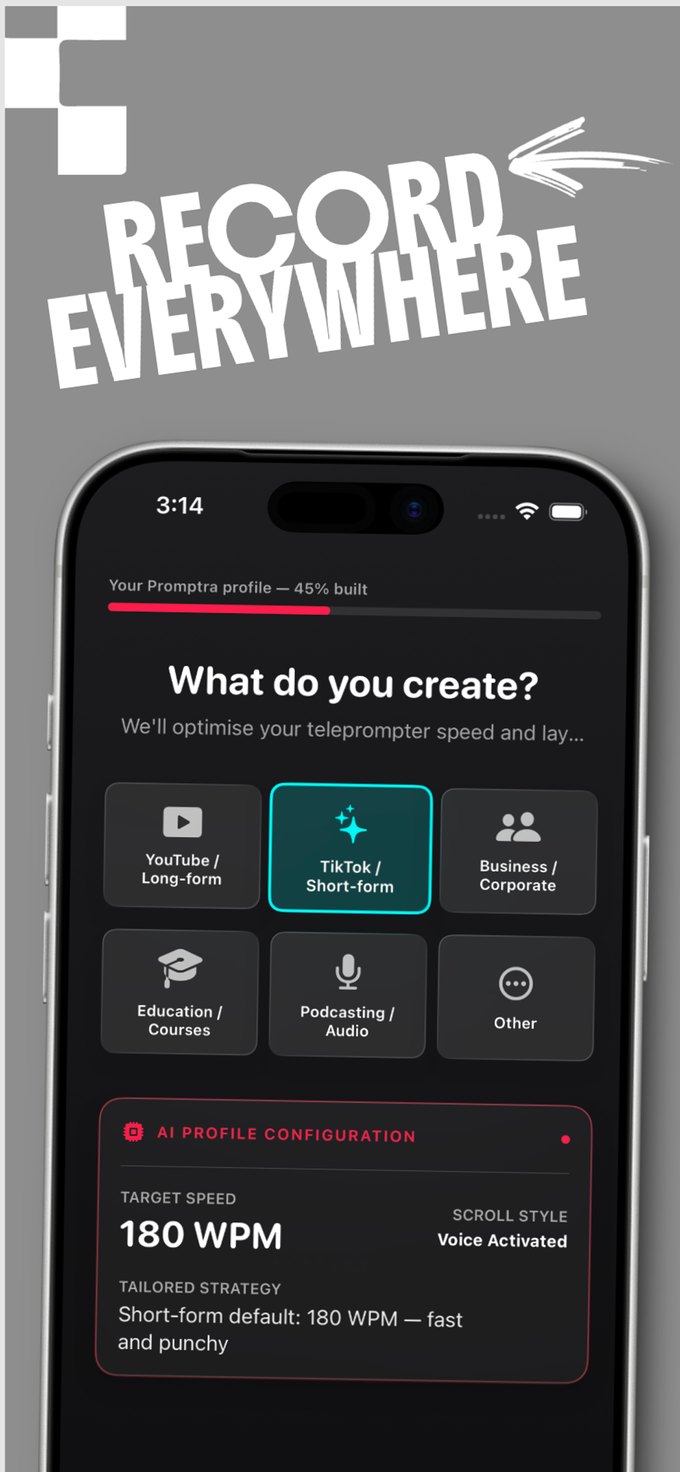
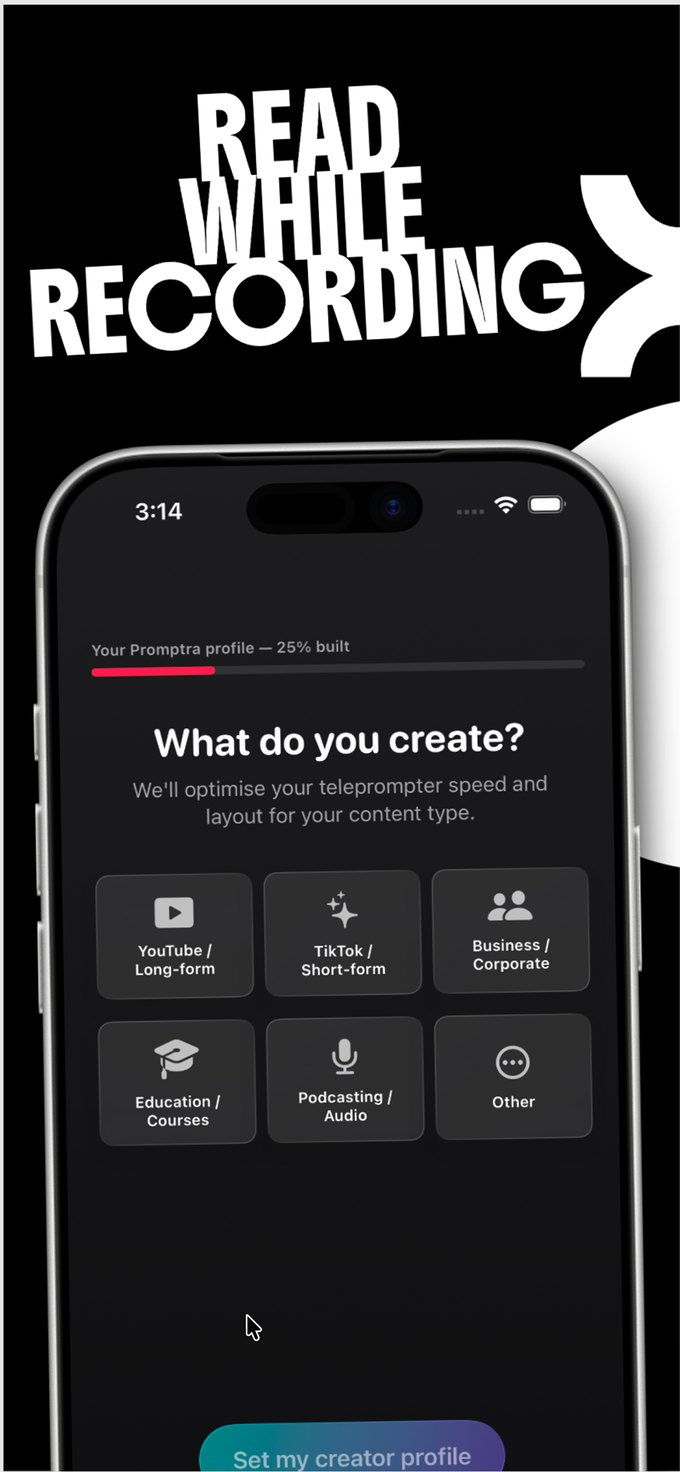
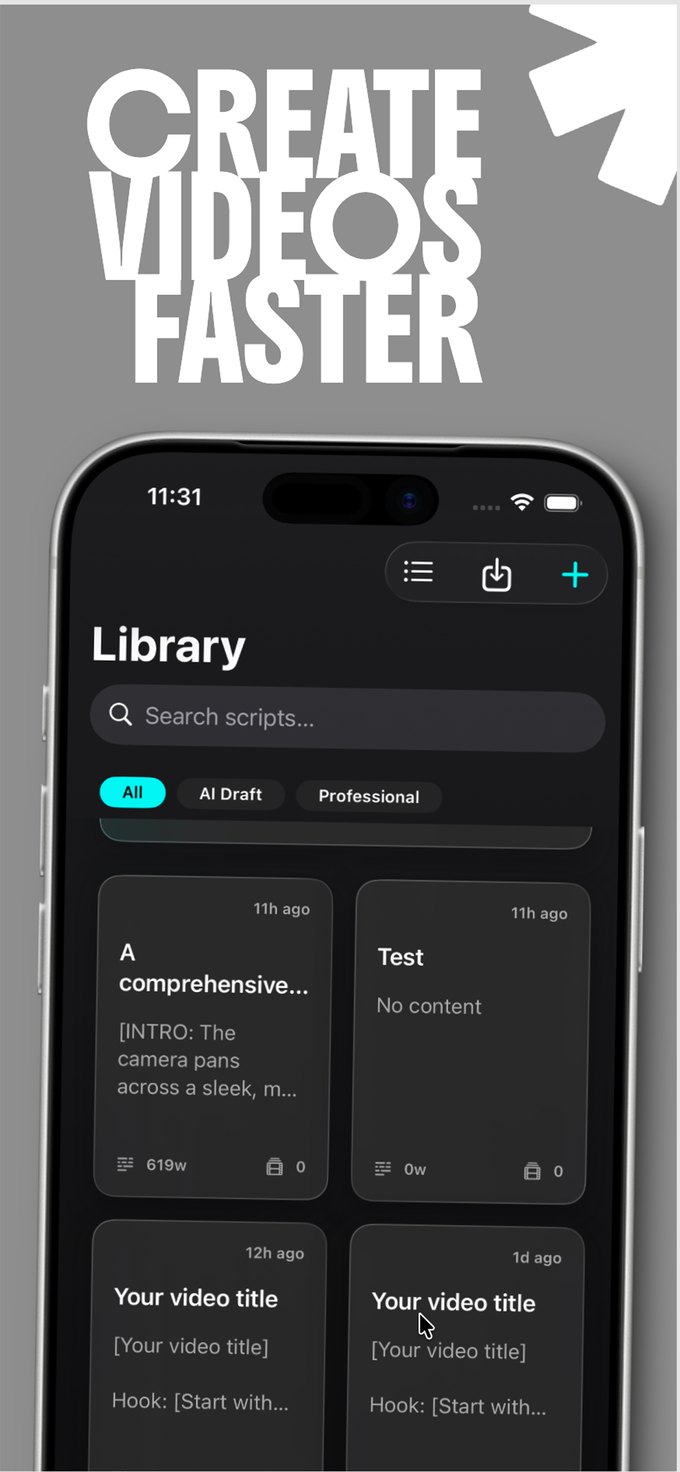
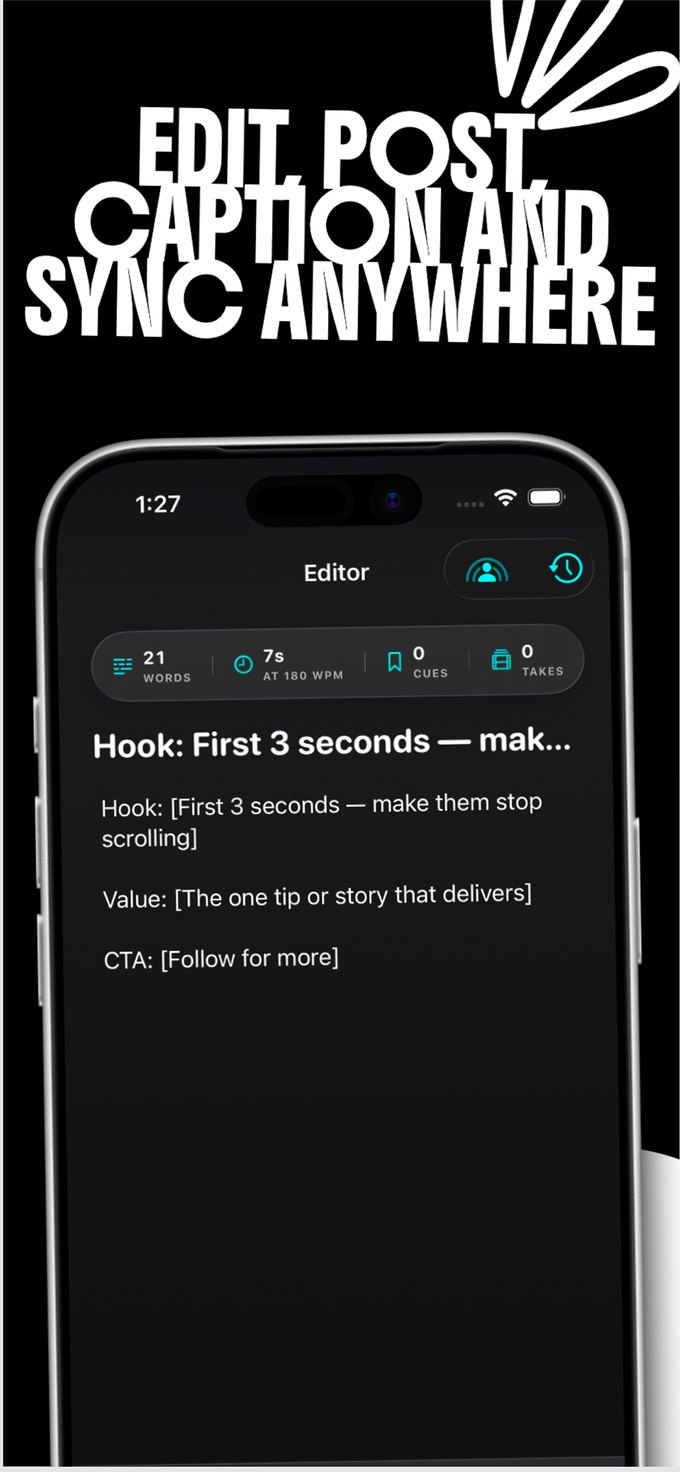
Start from a topic and let the AI draft it, or paste your own. Word count and runtime update as you type, so you know the length before you shoot.
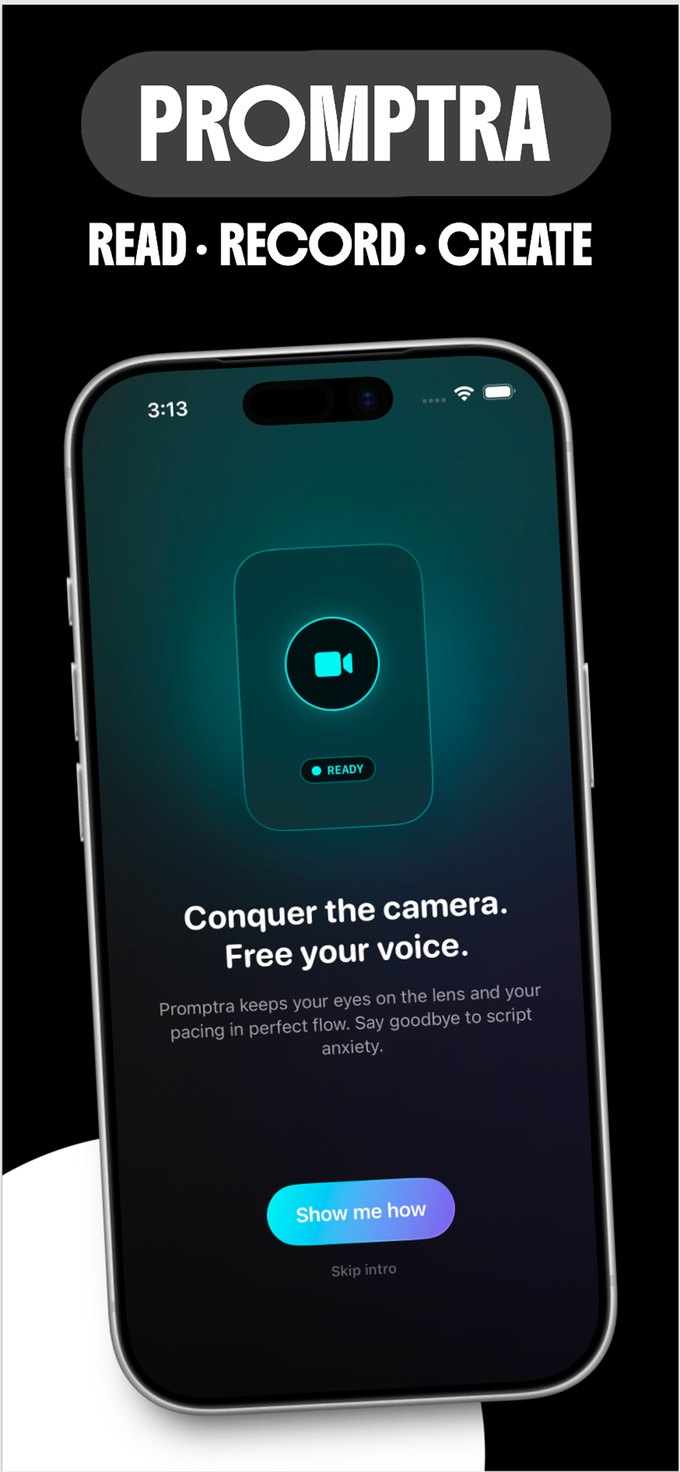
The teleprompter scrolls at 80–300 WPM, or follows your voice and matches your actual pace. Eye-contact coaching keeps you on the lens.
Cut on a multi-track timeline, burn in captions generated on your device, then export or send it straight to where it's going.
Features
A teleprompter you can actually read from, a camera that keeps up, and an editor that doesn't make you leave.
80–300 WPM with automatic pacing, or let it follow your voice and scroll at the speed you actually speak. Inline cue markers for the beats you keep forgetting.
4K 60fps HDR Dolby Vision, multi-lens switching, face-locked continuous focus, and simultaneous front-and-back recording on supported devices.
Multi-track timeline, keyframes, speed ramps, chroma key, LUTs, transitions, and picture-in-picture. Non-destructive throughout.
Automatic captions generated on your device, styled and burned in at export — no upload, no queue, no per-minute charge.
Script writing, hooks, captions, and edit suggestions run through Apple Intelligence or a model you download. Bring your own API key if you want a larger one — the key never leaves your device.
Scripts and project details sync across your devices through your own iCloud private database. We don't hold a copy.
Privacy
Promptra was built to run on your device, not on our servers. That's not a setting you have to find — it's how the app works by default.
The details are in the privacy policy.
FAQ
An iPhone or iPad running iOS or iPadOS 26 or later. A Mac version is on the way and will need macOS 26 or later. Promptra uses on-device AI and hardware video encoding, which is what sets the floor.
It is in development. On a Mac, Promptra adds screen recording — pick a display, a window, or a single app, watch a live preview before you commit, and record system audio alongside it. Screen recordings land in the same editor as everything else, so a walkthrough gets the same trimming, captions and export. It is not on the Mac App Store yet.
On your device. Scripts and project details sync through your own iCloud private database if you have iCloud enabled; video files do not sync and are never uploaded to us.
Yes. Recording, editing, captions, and export all run on-device. A connection is only needed if you choose to use a cloud AI provider with your own API key, or to publish somewhere.
No. There is no Promptra account to create. Subscriptions are handled by your Apple Account, and sync uses your own iCloud.
Simultaneous front-and-back recording requires an A12 Bionic chip or newer. On older devices it falls back to single-camera recording.
More answers on the support page.
Free to download, no account, nothing to set up. Write a script and record it in the same sitting.